

An image rendition is a derived version of a master image, produced by a deterministic recipe - a fixed set of rules for size, crop, format, color space, and compression. The master never changes; renditions are generated from it and can be rebuilt at any time by re-running the recipe.
If you have ever asked "what is a rendition?" while specifying export formats, briefing a DAM vendor, or trying to explain why the studio should not hand-export every channel size, this guide gives you the working definition and how renditions actually behave in a production pipeline.
Rendition definition
In a digital asset management context, a rendition is the output of (master image) + (recipe) → (derivative file). The recipe is the operative word. A 2400×2400 JPEG at sRGB, q85, with a 5% padding crop is a rendition. Resizing the same image by hand in Photoshop and saving the result is not - there is no recipe to re-run, no link back to the master, and no guarantee the next person will produce the same file.
Three properties define a rendition in practice:
- Derived, not authored. The pixels come from a transformation of the master, not from a separate creative decision.
- Deterministic. The same master plus the same recipe always produces the same file. Any team member, any time, same output.
- Disposable. Renditions can be deleted and rebuilt from the master. They are caches, not originals.
That last property is what makes the model scale. A studio with 50,000 SKUs does not store 600,000 hand-exported files; it stores 50,000 masters and 12 recipes.
Master vs. rendition vs. variant vs. version
Four terms get confused in vendor pitches and internal briefs. They are not interchangeable.
- Master. The single canonical file from the shoot or retouch stage - typically a high-resolution TIFF or PSD in a wide-gamut color space (Adobe RGB or ProPhoto). The source of truth. Edited once, signed off once.
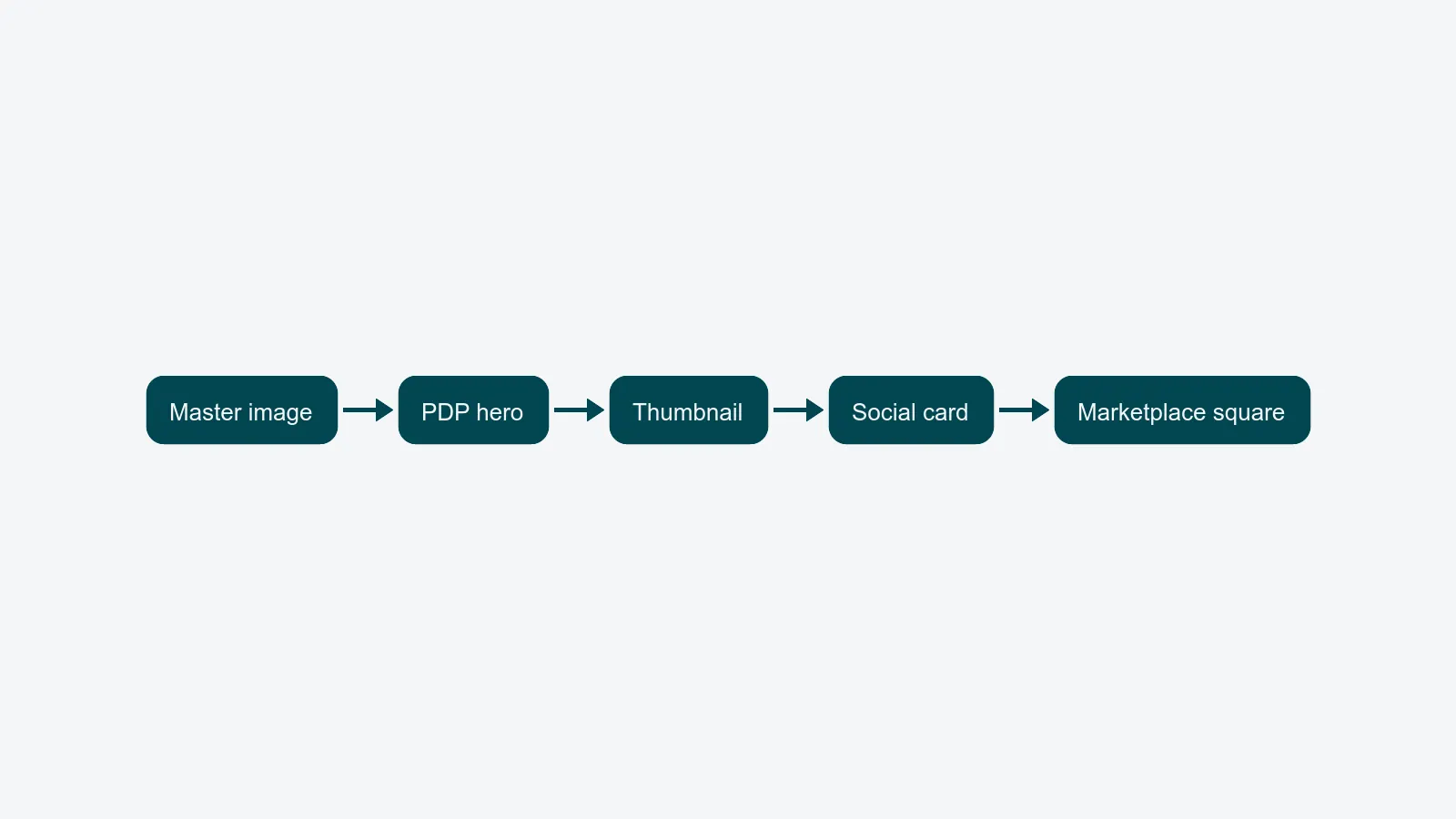
- Rendition. A derived file. Same image, different recipe. PDP hero, thumbnail, social card, Amazon main image. The pixels are not authored - they are computed.
- Variant. A different creative take on the same product. A second packshot angle, an alternate color, a model swap. Variants have their own masters; they are not renditions of each other.
- Version. A point-in-time state of a master. Version 3 of the master replaces version 2 because a defect was retouched out. Renditions follow whichever version is current.
A clean way to remember it: renditions change encoding, variants change content, versions change over time.
Common rendition recipes for e-commerce
Most catalogs ship with a small, well-defined recipe set. A typical fashion or consumer-goods studio runs something close to:
- PDP hero - 2400×2400 JPEG, sRGB, q85, 5% padding. The main image on the brand's own product detail page.
- Thumbnail - 600×600 WebP, sRGB, q80. Listing pages, search results, cart.
- Social card - 1200×630 JPEG, sRGB, with extra crop room for OpenGraph and LinkedIn previews.
- Amazon main image - 2000×2000 JPEG, pure white (#FFFFFF) background, product fills 85% of frame, no props, no text. Rules in Amazon's product image requirements.
Each recipe is versioned. When Amazon changes minimum dimensions or Zalando tightens background-color tolerance, you change the recipe - not the master, and not 50,000 individual files. The full recipe set, naming conventions, and rollout order belong in the image rendition strategy.
How renditions are derived
A rendition recipe is a small program. The transformation usually covers:
- Resize and crop - target dimensions, fit policy (contain, cover, pad), and fill ratio for marketplaces.
- Format - JPEG, WebP, AVIF, PNG. AVIF on the web; JPEG for marketplace compatibility.
- Color space - convert from the master's working space (Adobe RGB / ProPhoto) to delivery sRGB, with the right ICC profile embedded.
- Compression - quality factor and chroma subsampling, tuned per channel.
- Metadata - strip private XMP, keep IPTC for rights, embed copyright, preserve ICC profiles.
Where renditions live
In a production stack, renditions live in three places at once: the DAM's derivative pipeline (the master plus cached output files), the CDN edge (Cloudflare Images, Imgix, Cloudinary, Akamai Image Manager), and an on-the-fly URL service (/img/SKU123?w=600&fmt=webp triggers the recipe on first request, then caches). Rule of thumb: store the master, derive everything else, let the CDN handle reach.
"Rendition" in DAM ecosystems
The word is industry-standard, but vendors use it slightly differently:
- Adobe Experience Manager Assets treats renditions as a first-class concept; processing profiles and Dynamic Media derivatives are the implementation. Reference: AEM rendition documentation.
- OpenText Media Management uses renditions for derivative files plus "transformations" for the on-the-fly variant.
- Bynder calls them derivatives or "Dynamic Asset Transform" outputs, with templates that map to channels.
The semantics line up: one canonical master, many recipe-derived files, governed centrally. If a tool calls them "exports" and stores each one as a separate uploaded asset, it is file storage with a marketing page - not a real DAM. The deeper comparison sits in DAM vs. shared drive.
Where to go next
Once the definition is settled, the question becomes operational: how do you actually plan, version, and roll out renditions at scale? That's the topic of the image rendition strategy for product photography - the full recipe matrix, naming conventions, cache-invalidation triggers, and storage tiering.
For the platform side, see how PixelAdmin's DAM and distribution module handle renditions from master to channel. If your studio is hand-exporting the same image into four sizes for three channels, book a demo and we will walk through how to retire the export queue.