
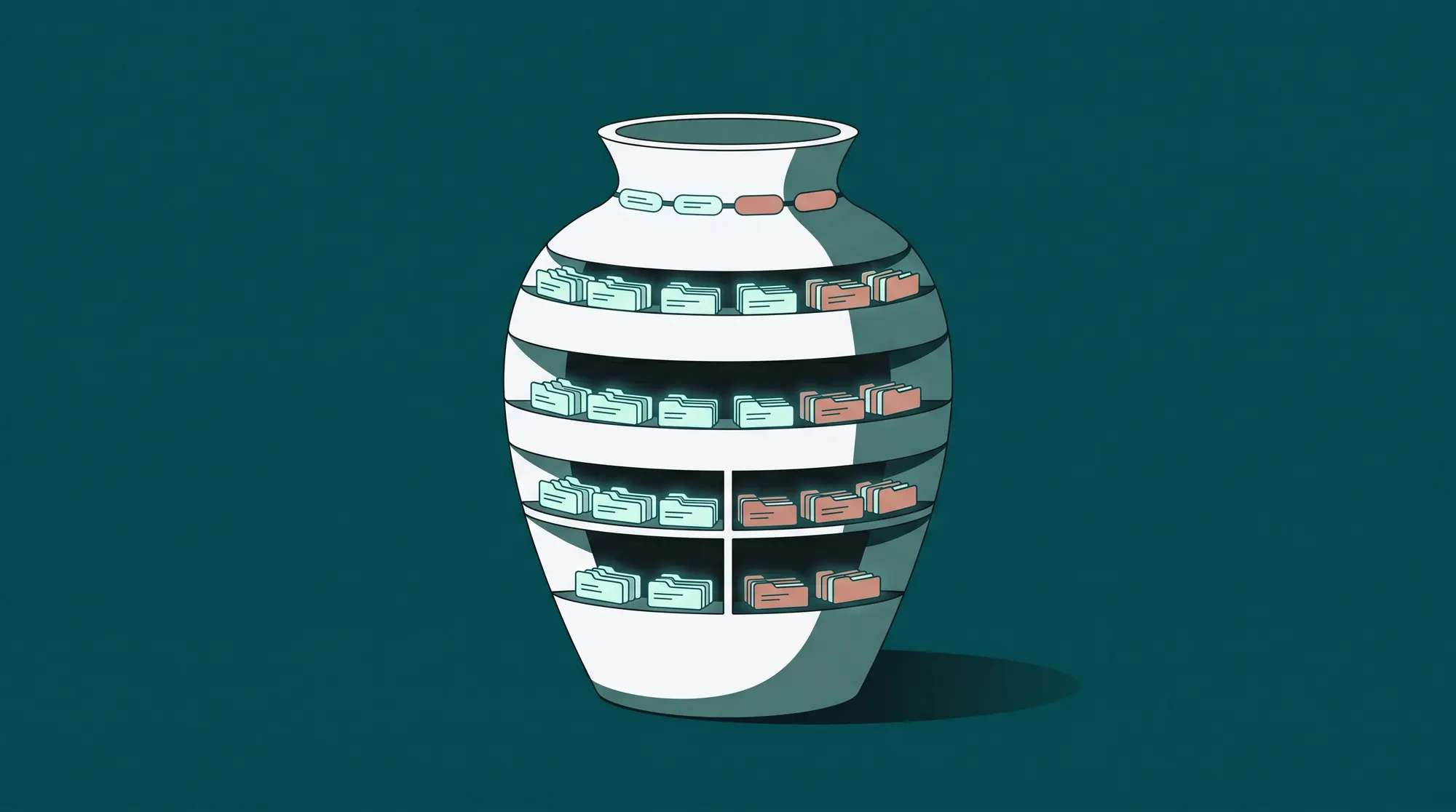
A DAM - short for digital asset management - is a system for storing, organizing, and distributing finished creative files (images, video, 3D, copy) together with the structured metadata that makes them findable and reusable. For a photo studio, it is the layer that turns thousands of raw shots and approved exports into a searchable, governed library that the rest of the business can actually use.
If you have ever asked "what is a DAM?" while comparing vendors, briefing IT, or trying to explain why a shared drive will not scale, this guide gives you the working definition, the core capabilities, the difference between a DAM and adjacent systems, and the point at which a studio actually needs one.
DAM definition
In practical terms, a digital asset management system is a database with files attached, not a filesystem with metadata bolted on. Every asset - a packshot, a campaign frame, a video cutdown - is a record with attributes (SKU, season, photographer, model release status, channel, expiry date) and the binary file is one of those attributes.
That structural difference is what separates a DAM from a shared drive, a generic cloud bucket, or a project tool with file attachments. Three things follow from it:
- Metadata-first retrieval. You find assets by querying attributes ("all approved hero packshots for SS26, channel = Zalando, rights valid through Q4"), not by remembering folder paths.
- One canonical version. Each asset has a single record with a version history, so there is no question which file is current.
- Governed distribution. Permissions, rights, and channel rules travel with the asset, not with the folder it happens to sit in.
A DAM is what makes a creative library behave like a product catalog: structured, queryable, and safe to expose to downstream systems.
DAM vs. file storage vs. MAM
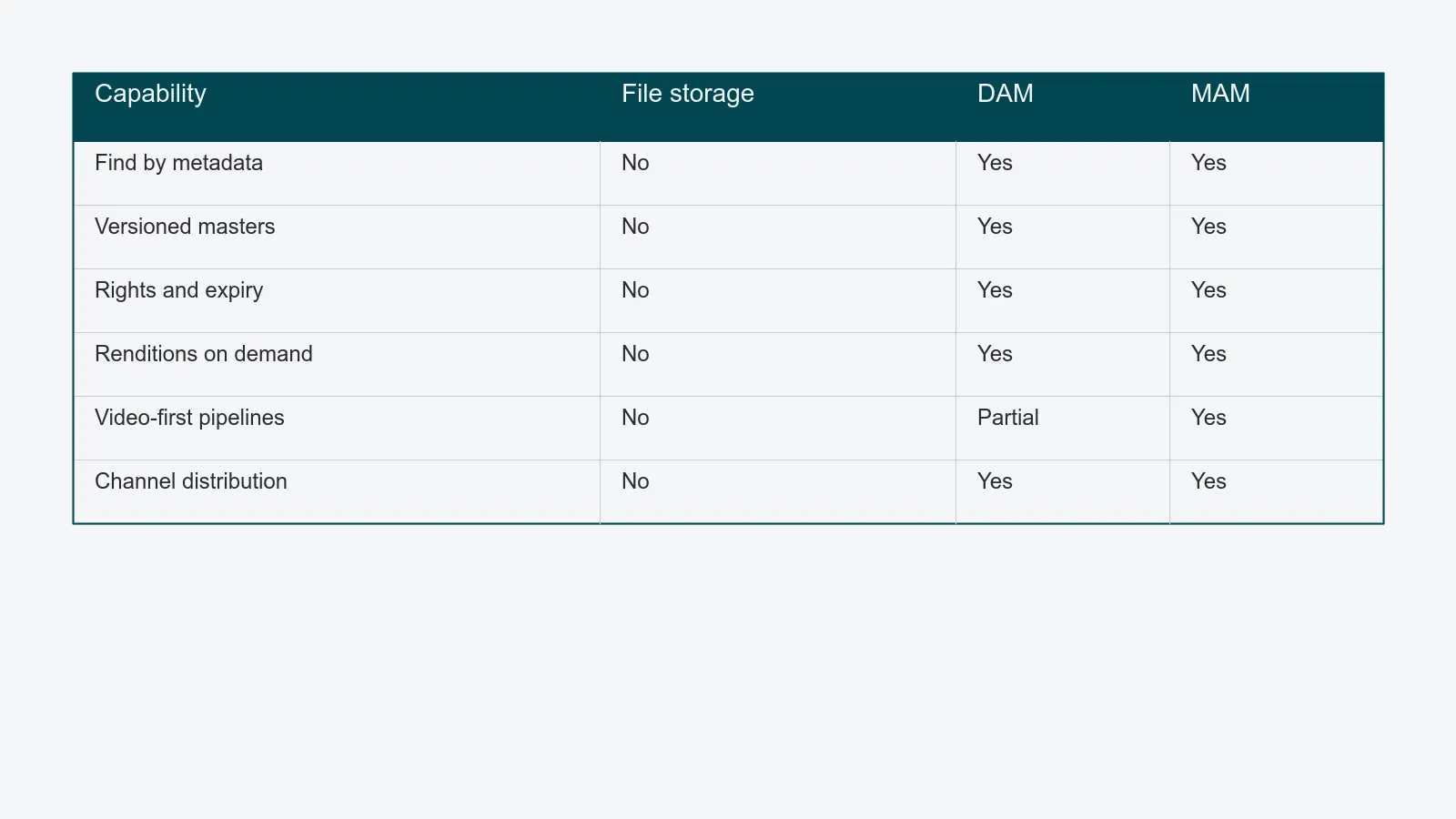
These three terms get used interchangeably, and they should not be.
- File storage (Google Drive, Dropbox, SharePoint, an on-prem NAS) is a hierarchical filesystem. It stores bytes. Findability depends on naming discipline and human memory. Permissions are folder-level. There is no concept of a "version" beyond what the OS provides, and no concept of "rights" at all.
- DAM (digital asset management) is purpose-built for finished, brand-governed creative assets - images, video, design files. It adds structured metadata, version control, rights tracking, renditions, and channel-aware delivery on top of storage. The detailed comparison lives in the DAM vs. shared drive guide.
- MAM (media asset management) is a closely related system optimized for video and broadcast workflows - long-form footage, timecode, transcoding pipelines, editorial proxies. A MAM is a DAM tuned for moving images at the petabyte scale; the categories overlap, but a video post house and a packshot studio rarely need the same tool.
Two more terms studios run into:
- PIM (product information management) stores product data - descriptions, attributes, pricing - not images. A DAM and a PIM almost always need to talk to each other so a SKU's record points to its current packshot.
- Headless CMS / DXP delivers content to web and app channels. It consumes from a DAM; it does not replace one.
Core capabilities of a DAM
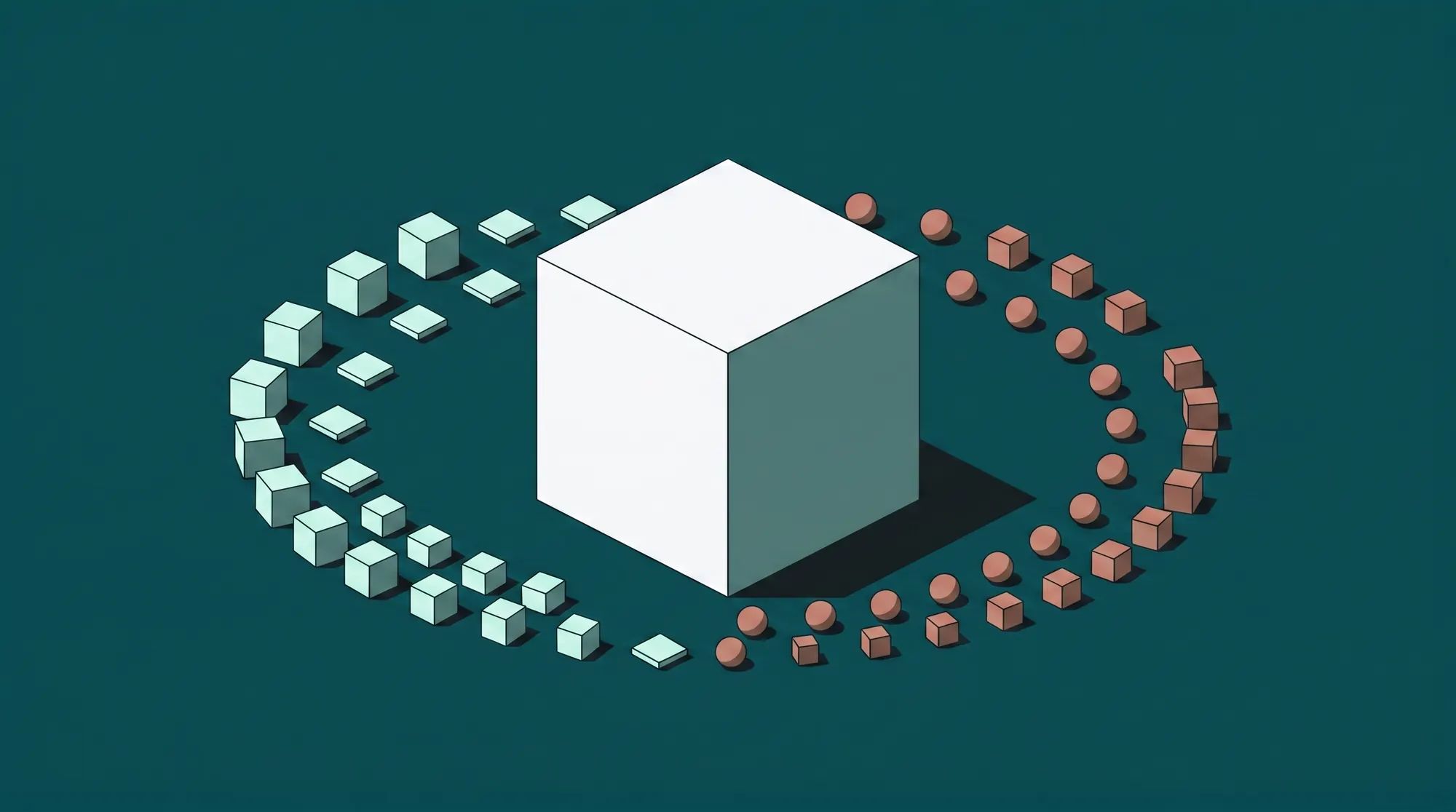
Five capabilities define a real DAM. If a tool is missing two or more of them, it is file storage with a marketing page, not a DAM.
1. Structured metadata and taxonomy
Every asset carries fields - SKU, brand, season, product type, photographer, shoot date, model release ID, usage rights, channel approval. A good DAM lets you define your own schema, enforce required fields at upload, and inherit metadata from the job or sample record so the studio is not retyping data already captured upstream.
2. Versioning and renditions
A DAM stores the master file once and generates renditions - channel-sized JPGs, web-optimized WebPs, print-ready TIFFs - on demand. When the master is updated, every rendition follows. Version history is preserved, so a buyer can roll back to the previously approved frame without hunting through email.
3. Rights, usage, and compliance
Each asset is tagged with model and property releases, contract scope, channel rights, and expiry dates. The DAM blocks or warns on use that would breach those terms. For studios operating in the EU, this is also where GDPR-relevant data - model release records, lawful basis, retention windows - is governed; see the GDPR for content studios guide for the operational model.
4. Search, filtering, and AI tagging
Filtered search ("approved + autumn + outerwear + on-figure") replaces folder browsing. Modern DAMs add AI-assisted tagging - visual similarity, color extraction, automatic subject detection - so assets become findable without a human filling every field. Definitions: see the W3C Dublin Core and IPTC Photo Metadata standards, which most DAMs adopt for interoperability.
5. Distribution and integrations
A DAM that cannot push to your PIM, e-commerce backend, marketplace feeds, and partner portals is a dead end. Look for native connectors and a documented API. Distribution is where the DAM stops being an internal library and starts being part of the commerce stack.
When does a studio need a DAM?
A DAM becomes the right answer somewhere between 5,000 and 20,000 finished assets and a team of 4–6 people, when buyer questions take longer than five minutes to answer and rights expiry sits in a spreadsheet nobody has updated. The full evaluation - thresholds, maturity model, migration sequence, and what changes the day you switch - lives in DAM vs. shared drive: when studios need a real DAM.
Types of DAMs
DAM platforms cluster into a few categories. The right type depends on what your studio actually produces.
- Marketing DAM. Optimized for marketing teams reusing approved campaign assets across channels. Strong on rights and brand portals; weaker on production workflow.
- Brand portal. A read-only DAM facing external partners - agencies, retailers, press. Often a layer on top of a primary DAM.
- Production DAM (content operations). Built for studios actively producing assets. Tied to job IDs, sample records, capture pipelines, and review queues. PixelAdmin sits in this category.
- Media asset management (MAM). Video-first, broadcast and post-production focus.
- Enterprise DAM. Large multi-brand deployments, deep integration into PIM/ERP, governance-heavy. Typically Adobe AEM Assets, Bynder, Aprimo.
A studio shooting commercial packshots needs a production DAM. A marketing DAM treats the studio as an upstream supplier and rarely models capture, retouching, or sample tracking - which is why studios using marketing DAMs end up with a parallel shared drive for "work in progress."
Related concepts
A DAM rarely lives alone. It connects to:
- Content operations platform. The umbrella that ties intake, capture, retouching, review, and DAM together. The guide on choosing content operations software in 2026 walks through the full scope.
- Workflow automation. Job IDs, status routing, and SLAs that move assets through production into the DAM. See PixelAdmin's workflow module.
- Review and approval. Visual feedback that lives next to the asset, not in email. See the review module.
- Distribution. The connectors that publish from the DAM to commerce channels. See PixelAdmin's distribution module.
For studio managers planning the operational case, the content operations platform comparison framework covers how to score a DAM against adjacent capabilities rather than in isolation.
Where to go next
If "what is a DAM?" was the starting question, the practical follow-ups are usually two:
- Read DAM vs. shared drive to map the threshold against your own library size and team.
- See how PixelAdmin's DAM plugs into the rest of a production studio - sample intake, capture, retouching, review, and channel delivery - instead of standing alone.
PixelAdmin is built for studios that produce assets, not just store them. If a unified DAM that knows about your jobs, SKUs, and channels sounds like what you have been trying to assemble out of generic tools, book a demo and we will walk through your library with you.